之前分享了一个酷9的sailei.js脚本,分享后不久该网站就新增了不少节目,看样子像是smart节目。
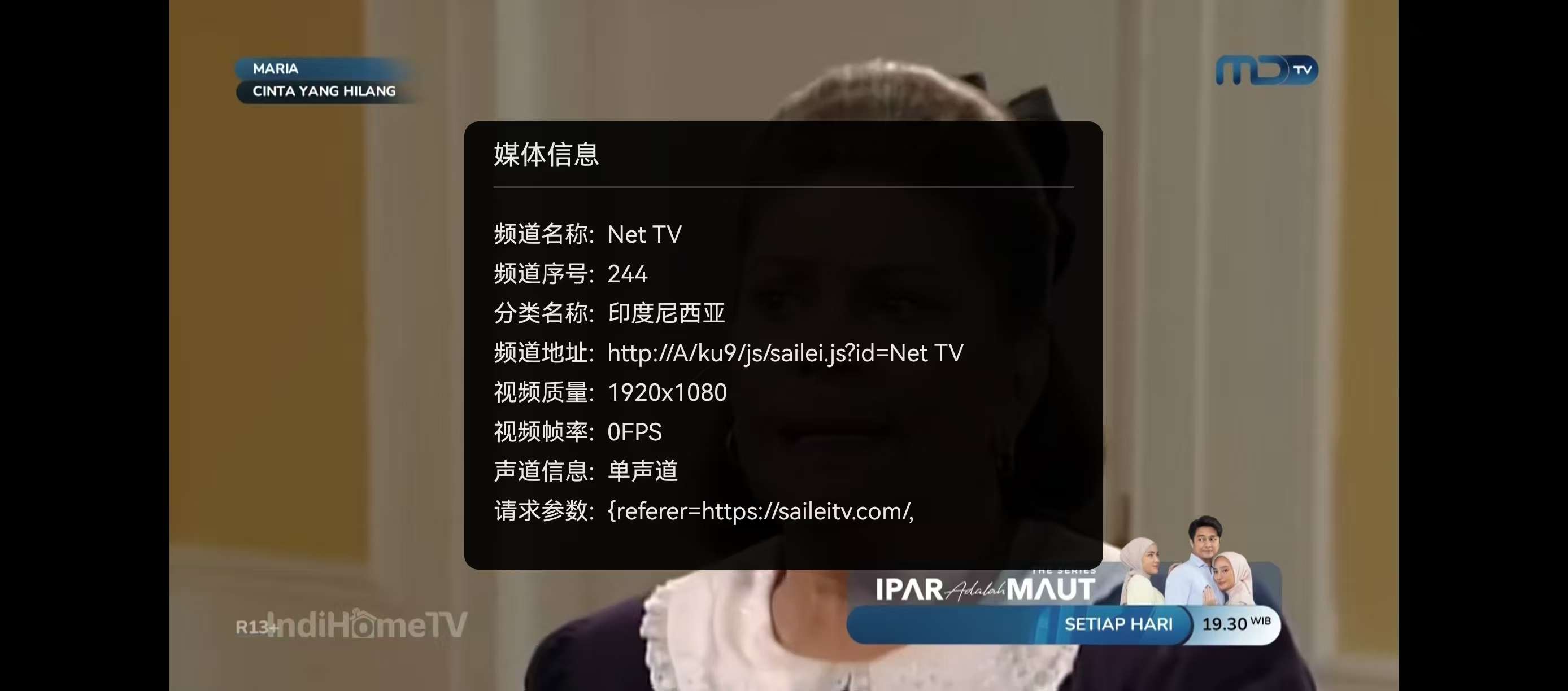
其实要再写个js或者php也比较简单,只是做了referer验证,比如写成酷9js:
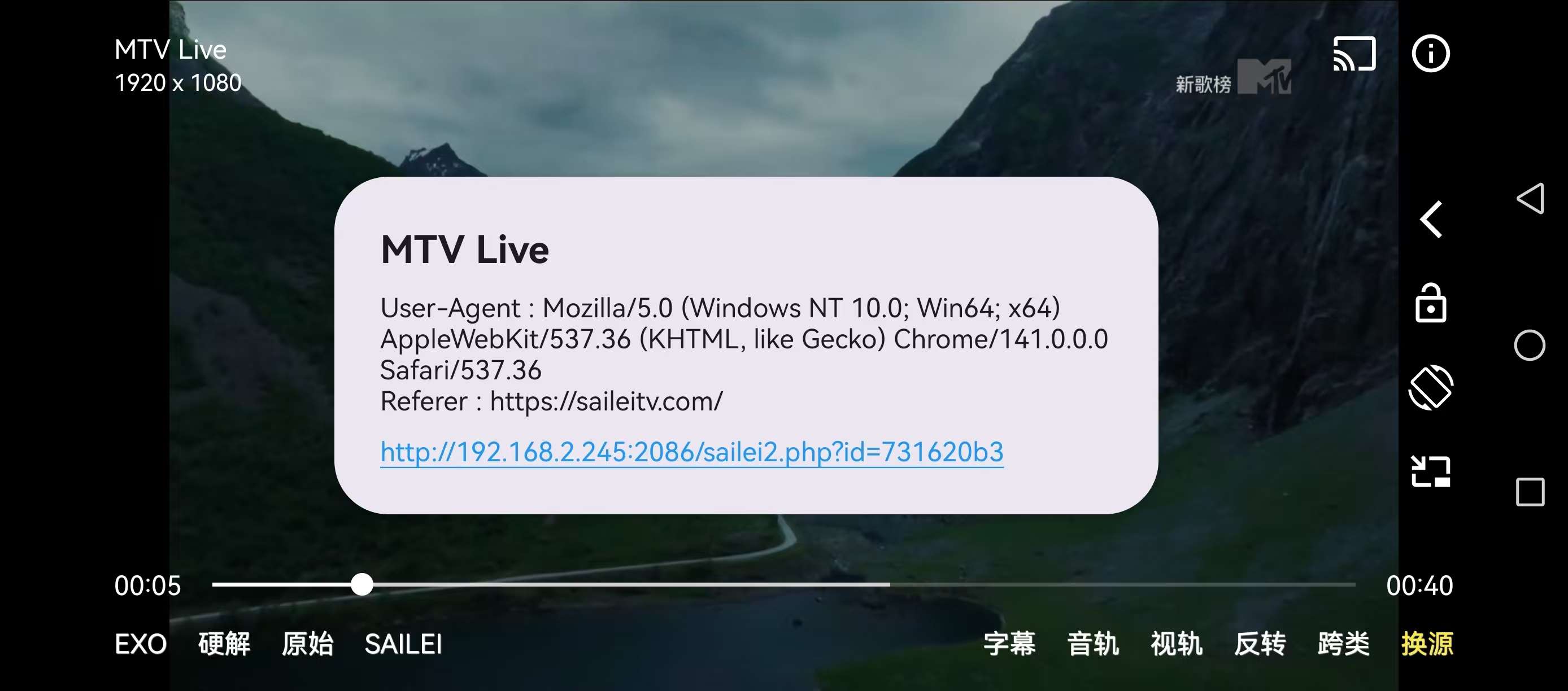
写成支持referer的OK影视的PHP:
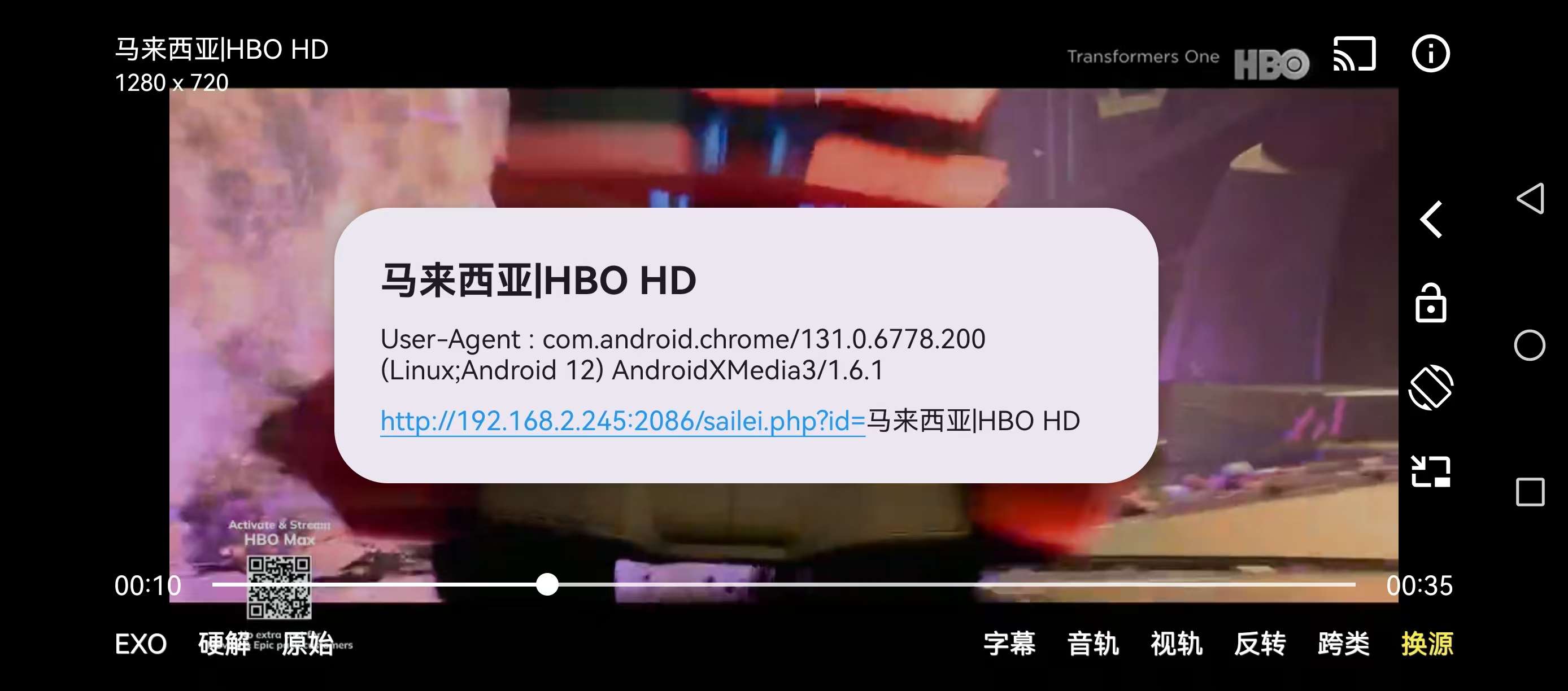
写成通用的ts代理:
那么如果想更简单的在空壳上食用,只需食用支持webview的播放器就可以,也不需要写什么复杂的验证。我们只需要获得所有节目的web播放地址,再在播放地址前加上video://或者webview://就可以了,但是前提是播放器支持video://或者webview://,比如OK影视/Fongmi影视,酷9等。
今天就给大家分享sailei的webview的接口:
<?php

$p = $_GET['p'] ?? 'video';

$urlPrefix = 'video://';
if ($p === 'webview') {
    $urlPrefix = 'webview://';
}

$cacheFile = 'cache/sailei_m3u_cache_' . $p . '.txt';
$cacheTime = 600;

if (file_exists($cacheFile) && (time() - filemtime($cacheFile)) < $cacheTime) {
    header('Content-Type: text/plain; charset=utf-8');
    readfile($cacheFile);
    exit;
}

$ch = curl_init();
curl_setopt($ch, CURLOPT_URL, 'https://saileitv.com/api/m3u/');
curl_setopt($ch, CURLOPT_RETURNTRANSFER, true);
curl_setopt($ch, CURLOPT_CUSTOMREQUEST, 'GET');
curl_setopt($ch, CURLOPT_HTTPHEADER, [
    'sec-ch-ua-platform: "Windows"',
    'Referer: https://saileitv.com/',
    'User-Agent: Mozilla/5.0 (Windows NT 10.0; Win64; x64) AppleWebKit/537.36 (KHTML, like Gecko) Chrome/141.0.0.0 Safari/537.36',
    'sec-ch-ua: "Google Chrome";v="141", "Not?A_Brand";v="8", "Chromium";v="141"',
    'sec-ch-ua-mobile: ?0',
]);
$response = curl_exec($ch);
if (curl_errno($ch)) {
    echo 'Curl error: ' . curl_error($ch);
    exit;
}
curl_close($ch);

$outputM3U = "#EXTM3U\n";
$lines = preg_split('/\r\n|\r|\n/', $response);

for ($i = 1; $i < count($lines); $i += 2) {
    if (isset($lines[$i]) && isset($lines[$i + 1])) {
        $extinfLine = $lines[$i];

        if (strpos($extinfLine, '#EXTINF') === 0) {
            $titlePart = explode(',', $extinfLine)[1];
            $titlePart = trim($titlePart);

            $parts = explode('|', $titlePart);
            if (isset($parts[1])) {
                $id = trim($parts[1]);

                $attributes = explode(',', $extinfLine, 2)[0];
                $newExtinfLine = $attributes . ',' . $id;
                $url = trim($lines[$i + 1]);
                $channelId = getChannelIdFromUrl($url);

                $newUrl = $urlPrefix . 'https://saileitv.com/play.html?channelId=' . $channelId;

                $outputM3U .= $newExtinfLine . "\n";
                $outputM3U .= $newUrl . "\n";
            }
        }
    }
}

@file_put_contents($cacheFile, $outputM3U);

header('Content-Type: text/plain; charset=utf-8');
echo $outputM3U;

function getChannelIdFromUrl(string $url): ?string
{
    $path = parse_url($url, PHP_URL_PATH);
    if (!$path) {
        return null;
    }
    $path_parts = explode('/', trim($path, '/'));
    $channel_key_index = array_search('channel', $path_parts);
    if ($channel_key_index !== false && isset($path_parts[$channel_key_index + 1])) {
        return $path_parts[$channel_key_index + 1];
    }
    return null;
}

?>
使用方式,将php上传至自己主机,填入php地址到接口即可:
http://yourdomain.com/saileiweb.php
或
http://yourdomain.com/saileiweb.php?p=webview
体验下来,OK影视正常播放:
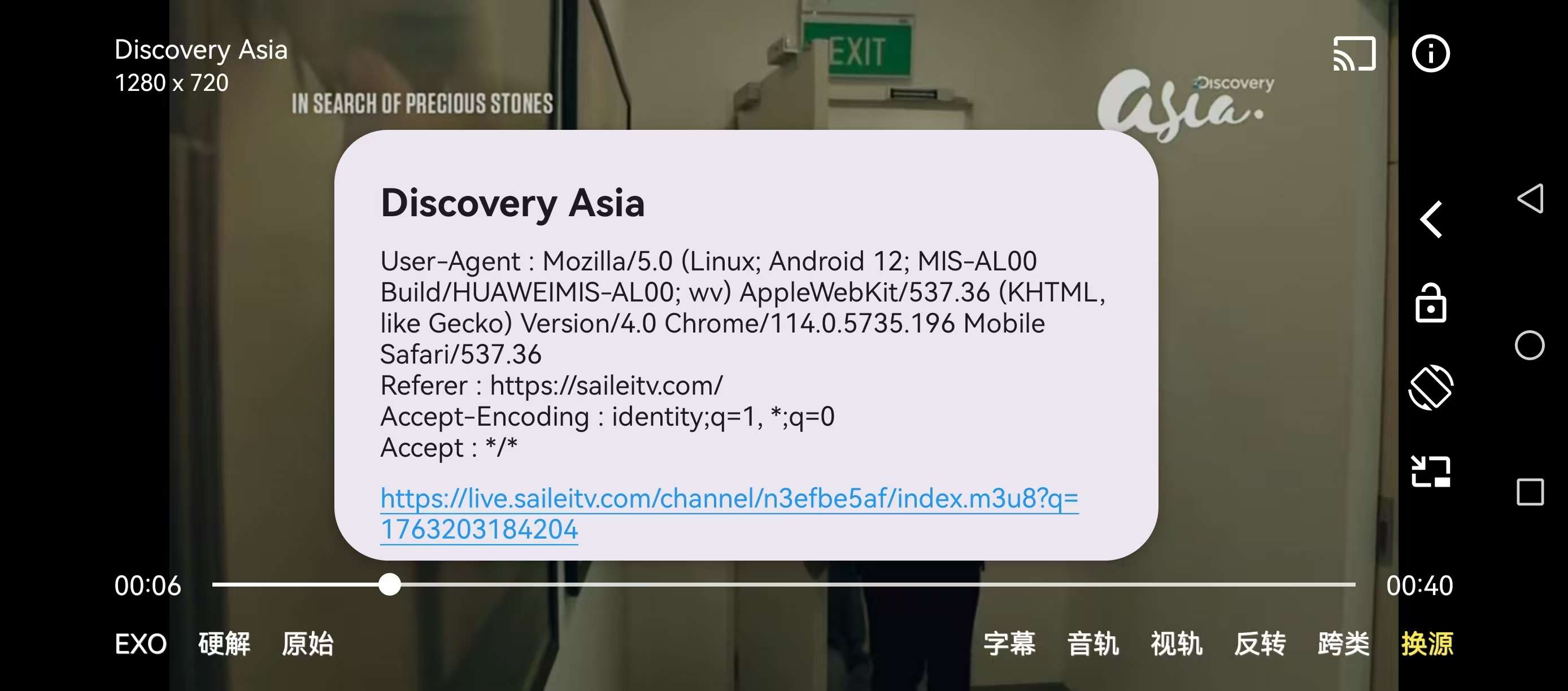
酷9播放无法全屏且有广告
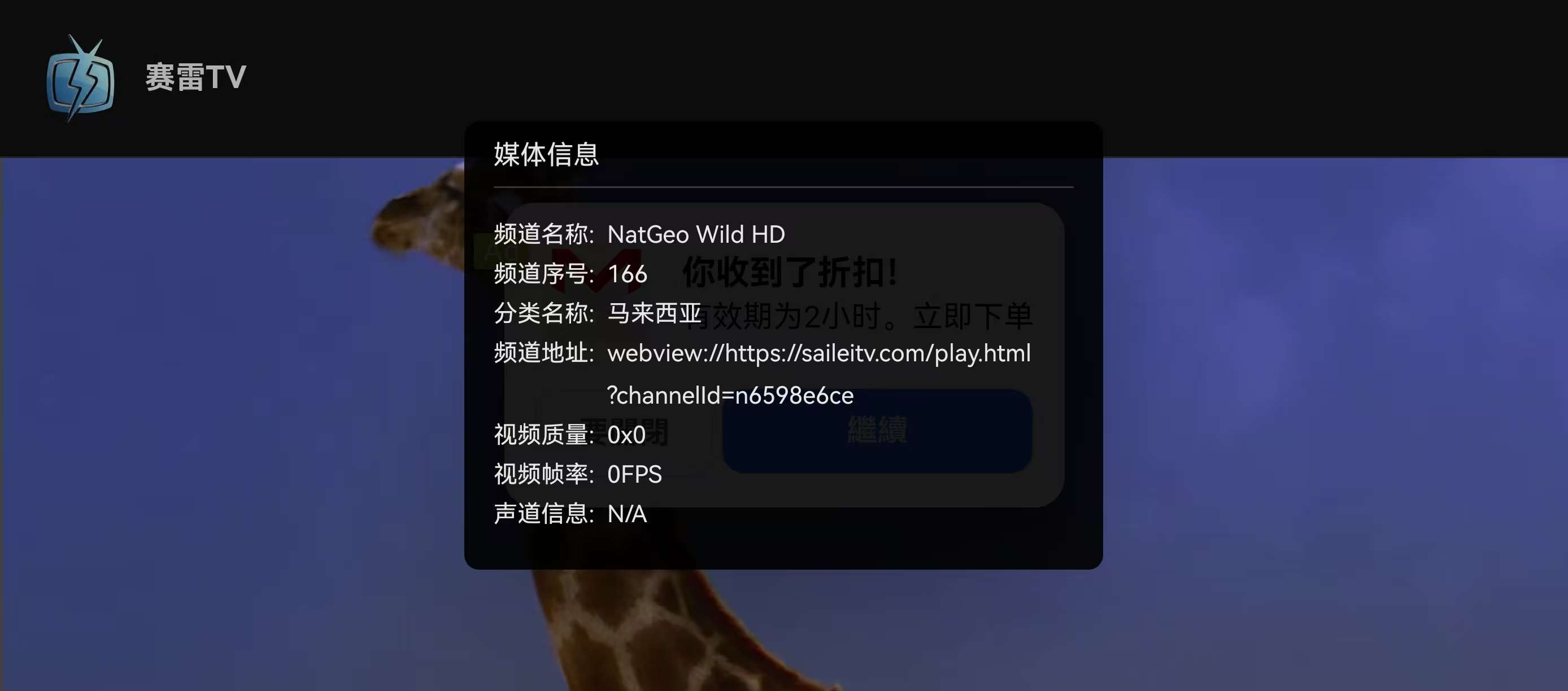
其他自行测试。支持参数p=webview则在网页前添加webview://,
如需原始脚本,关注本公众号,后台私信【251115】获取。